
If your opt-in page gets visitors but few sign-ups, the cause is usually one of a handful of problems, and they can be checked in a sensible order. This article covers how to optimize a landing page for conversions when you are early in building an email list and have no large data set to lean on. The fixes run from the ones that change the most to the ones that change the least.
First, get your baseline. Divide the number of sign-ups by the number of visitors over the same period. That figure is your conversion rate, and every change below should be judged against it. Without it you cannot tell whether an edit helped.
Check whether your headline matches the promise that got the click
A visitor arrives with an expectation set by the link they clicked: a post, a search result, a social caption. If the headline on your page describes something different, the visitor sees a mismatch within a couple of seconds and leaves.
Open the page that sends people to your opt-in and read its closing lines. Then read your landing page headline. They should describe the same thing in nearly the same words. If a post promises a checklist for choosing affiliate products and the opt-in page headline says “Join my newsletter for weekly tips,” the visitor has to work out whether this is the same offer. Most will not.
Fix the mismatch in one of two ways:
- Change the headline to repeat the promise of the page that feeds it.
- If several posts send readers to one page, make a separate version of the page for each different promise.
A good headline names the thing the visitor receives and the problem it addresses. “Free 5-point checklist for picking an affiliate product you can actually promote” tells the reader what they get and whether it is for them. “Welcome to my site” tells them nothing.
Give the page one job: remove everything that isn’t the opt-in
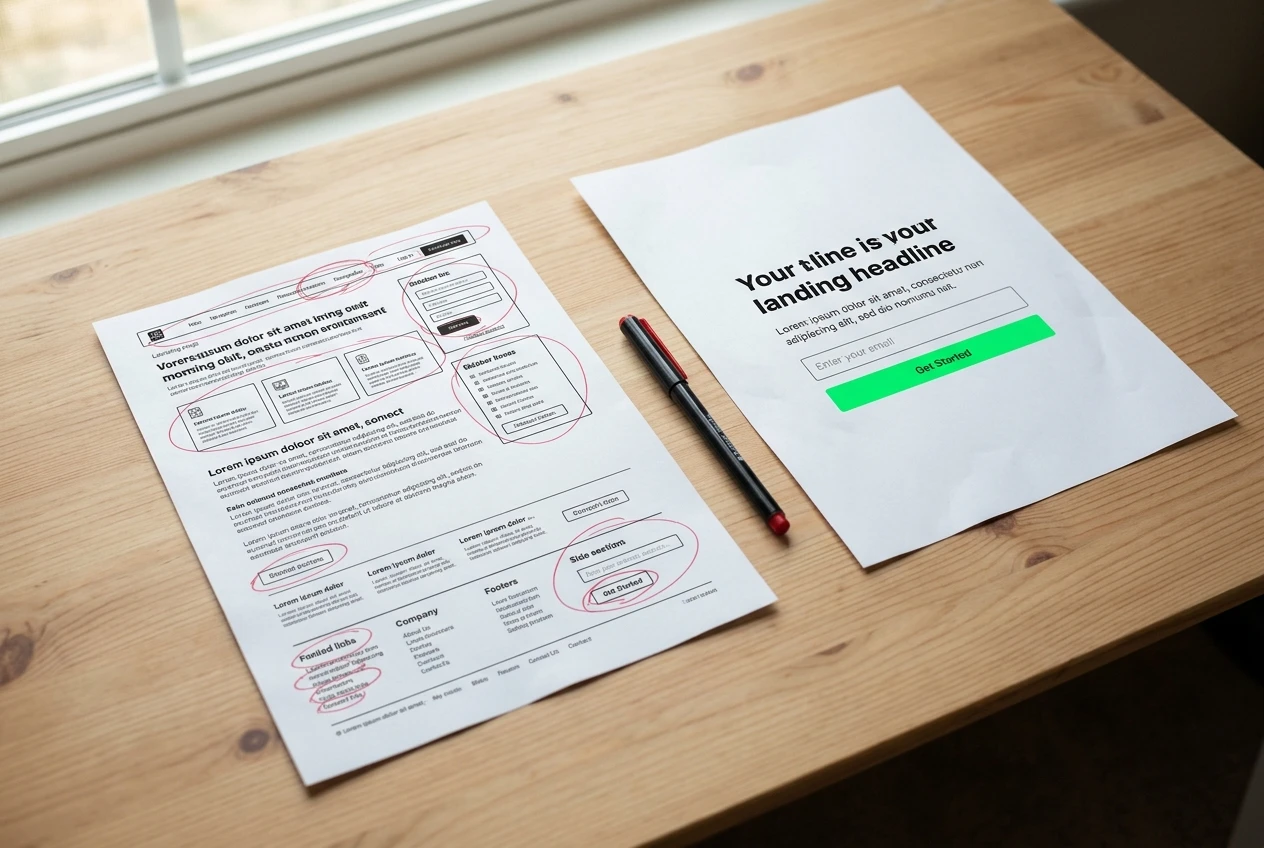
An opt-in page has a single action available to the visitor: enter an email address and submit. Every other clickable element is a way to leave without doing it.
Go through the page and remove the following, unless there is a strong reason to keep them:
- The main site navigation menu
- Sidebar widgets, recent posts lists and social media follow buttons
- Links in the body copy that lead to other pages
- A second call to action, such as “Read the blog” beside “Download now”
Keep the legal links people expect, such as your privacy policy and your affiliate disclosure, in a small footer. They are required in many places and visitors who care about them will look there.
If your site theme does not let you hide the menu on one page, use a page template without a header, or build the page with a dedicated landing page tool. Check the result on the live page, not only in the editor, because themes often add elements back.
The layout should lead the eye in one direction: headline, a short description of the offer, the form, the button. Anything that competes with that sequence gets removed or moved below the button.
Write the offer in terms of what the visitor gets and how soon
Visitors give an email address when they expect something worth more than the effort and the risk of extra email. Your copy has to make that exchange obvious.
Describe the result in concrete terms. “Get tips on affiliate marketing” is a category. “A one-page checklist that shows you how to compare affiliate programs by commission, cookie length and payout rules” is a deliverable. The visitor can picture it and judge whether they want it.
Then say when and how it arrives. If the checklist comes to the inbox right after confirming the address, say that: “Enter your email and the checklist arrives within a few minutes.” Only state a timing your email setup delivers. If the welcome email depends on a double opt-in confirmation, tell the visitor to look for the confirmation message, since many people miss that step and assume nothing happened.
A short structure works well for the body copy:
- One sentence on the problem the visitor has.
- One or two sentences on what the free resource contains.
- Two or three bullets listing specific items inside it.
- A button label that names the action and the item, such as “Send me the checklist.”
Button labels like “Submit” or “Sign up” describe the form, not the benefit. Naming the item gives the click a reason.
Cut the form down to what you genuinely need
Each field you add asks the visitor for more effort and more trust. For a free resource delivered by email, the only data you need is an email address. A first name is useful if your emails will use it, and it is reasonable to ask for it. A phone number, a last name, a country or a “what is your biggest challenge” box is rarely needed at this stage.
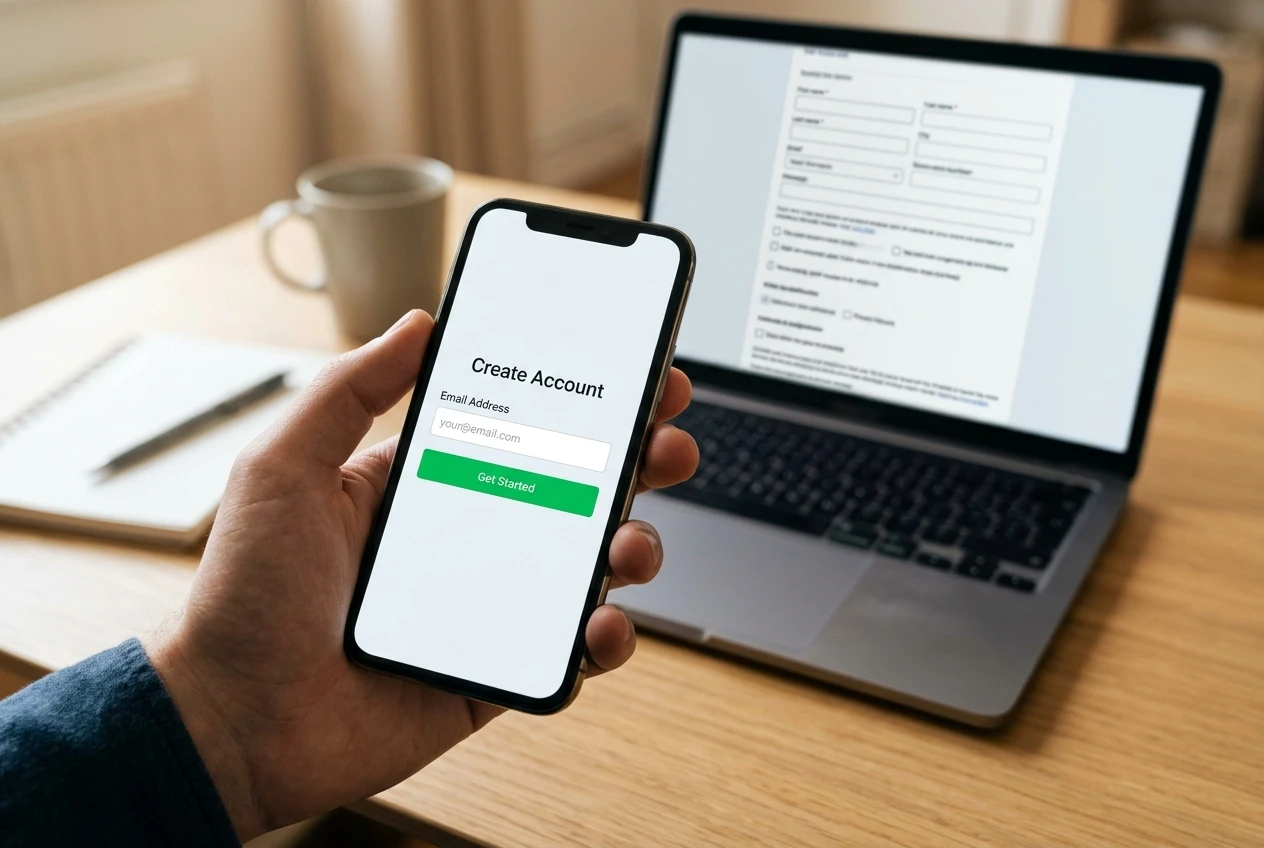
Ask of each field what you would do with the answer in the next month. If there is no concrete use, remove it. You can ask follow-up questions later, in the emails themselves, to people who have already decided to hear from you.
Check these details on the form too:
- Button text is readable against its background color.
- Labels stay visible while the visitor types, so they do not forget what a field is for.
- Error messages are clear if someone mistypes an address.
- A short line near the button states what happens next and that you do not share addresses, provided that is true of your setup.
Submit the form yourself with a fresh address and confirm the welcome email arrives, the link in it works and the resource opens. A page with a broken delivery step loses sign-ups and trust at the same time.
Add proof that fits a new site, without faking any
A new site has little to show, and the temptation is to fill the gap with invented testimonials or inflated numbers. Don’t. It is dishonest, it can breach advertising rules in many countries, and visitors often spot generic fake praise.
You still have honest options:
- A sample of the resource. Show one page of the checklist or a screenshot of the contents. Seeing the actual item is proof it exists and is useful.
- Real feedback. If someone has sent you a genuine comment on a post or in an email, ask permission to quote it, and use their words unchanged.
- Specific claims you can verify. “Covers the 12 questions to ask before joining any affiliate program” is checkable by anyone who downloads it, as long as it is accurate.
- Your own credentials, only where real. If you have relevant experience, a one-line statement of it helps. If you do not have any to state, leave it out rather than stretch.
- Plain explanation of who it is for. A line such as “Made for people who are about to choose their first affiliate program” shows the right visitor that this is meant for them.
Proof placed close to the form does the most work, because that is where the visitor is deciding. If you have no real proof yet, a clear and specific offer is better than a weak one padded with filler.
Fix the mobile view and load time before you touch the design
Many visitors will open the page on a phone. A page that looks fine on a desktop monitor can have a form pushed below the fold, text too small to read or a button too close to another link to tap accurately.
Open your own page on a phone, not just in a narrowed browser window, and go through it as a visitor would. Check that:
- The headline and the form are visible without much scrolling.
- Text is readable without zooming.
- Fields are large enough to tap, and the right keyboard appears for the email field.
- The button is easy to press and nothing overlaps it.
Then measure speed. Free tools such as Google PageSpeed Insights and GTmetrix test a URL and list what slows it down. The usual causes on a small site are oversized images, too many plugins and embedded scripts the page does not need. Compress images before uploading them, remove a hero image if it adds nothing, and delete plugins or tracking scripts you no longer use.

Do this before you redesign anything. A better-looking page that loads slowly on a phone will still lose visitors who never see it.
Test one change at a time and know when you have enough visitors to judge it
Once the basics are in place, improvement comes from comparing versions. The rule is to change one thing, leave everything else alone and wait long enough to see a real difference.
If you change the headline, the button label and the image together and sign-ups rise, you do not know which edit did it. Change the headline alone, note the date, and record the sign-ups and visitors for each version.
There are two ways to compare versions:

- Split test. A tool sends half of the visitors to version A and half to version B at the same time. This is the cleaner method because both versions face the same traffic.
- Before and after. You run version A for a set period, then version B for an equal period. This works with simple setups but is less reliable, because traffic quality can change from week to week.
Small numbers mislead. Suppose version A gets 2 sign-ups from 40 visitors and version B gets 4 from 40. B looks twice as good, but a gap of two people could easily be chance. As a working rule of thumb, wait until each version has had at least a few hundred visitors, and be cautious about declaring a winner on a difference of only a handful of sign-ups. If your page gets few visitors a day, that means tests will run for weeks, and that is normal. In that case, make bigger changes, such as a rewritten offer, since small tweaks to wording are too subtle to measure with little traffic.
Keep a simple log with the date, what changed, visitors and sign-ups. After a few tests it shows which kinds of change matter for your audience.
Where the page fits in your wider funnel and the posts that feed it
The opt-in page is one stage in a sequence: a post or video attracts a reader, the reader clicks to the opt-in page, the free resource arrives by email, and later emails build trust and recommend products. The advice in this article covers only the second stage. If the page converts well but few people reach it, the problem lies earlier, and our guide on how to increase your affiliate sales looks at the wider picture.
Look at which posts send the most visitors to the page and which of them lead to sign-ups. A post that attracts many clicks but produces few opt-ins probably has a mismatch between what it promises and what the page offers, which takes you back to the headline check at the start. A post with fewer visitors but a high sign-up rate shows what your readers want, and you can write more posts around that topic.
After sign-up, the first email matters. It should deliver what the page promised, immediately and without extra steps. Once that works reliably, you can look at what to automate in your affiliate business, since a welcome email and a short follow-up sequence are good candidates for automation.
Work through the page in the order above: headline match, single action, clear offer, short form, honest proof, mobile speed, then tests. Each fix is small, and each one takes away a reason for a visitor to leave without signing up.