
Affiliate marketing has no fixed price. The monthly cost depends on how many recurring bills you carry, and the lowest figure is close to nothing. Most of the money beginners lose goes to tools bought before there was any traffic or income for them to support.
This article gives you a way to answer “how much does affiliate marketing cost per month” for your own site. It covers the bills a lean site carries, the question each one has to pass, the paid things you can skip at the start, and how to set the total against what the site earns. The figures have to come from your own statements, so the method matters more than anyone’s price list.
The monthly total comes first
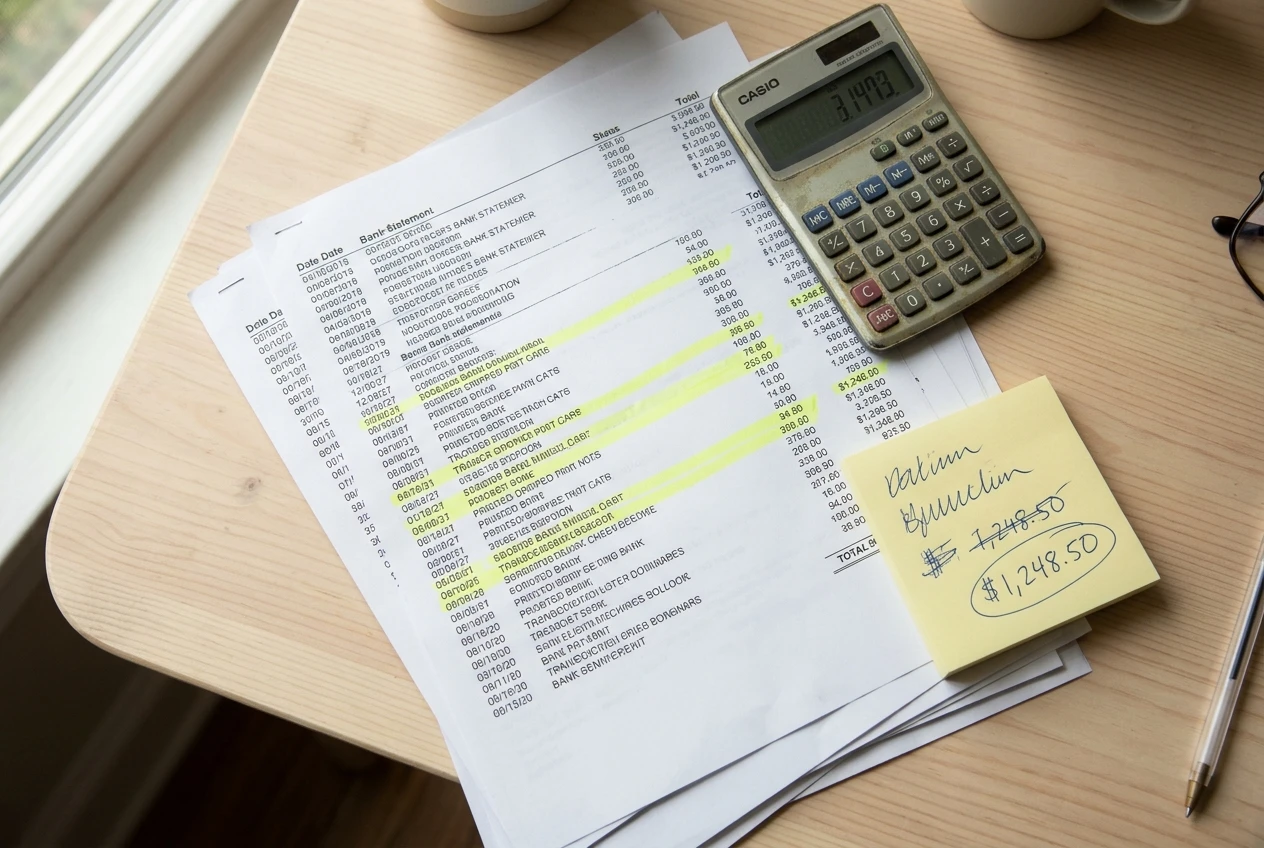
Start with one number: everything you pay every month to keep the site running, added together. Most people never calculate it, because the charges arrive on different dates, on different cards, and in different billing cycles.
Take the total from your bank or card statements, not from memory. Memory leaves out the annual renewal, the trial that converted to a paid plan, and the tool you stopped opening in spring.
Two rules keep the total honest:
- Convert yearly bills to monthly. Divide an annual charge by 12. A domain renewed once a year still costs you something every month.
- Include every recurring charge tied to the site, even small ones. Small charges are the ones that get forgotten.
Put the total at the top of your cost sheet and keep it visible. Every tool decision after that is a question of whether the total goes up, and whether the site earns enough to justify it.
The recurring bills a lean affiliate site carries
A beginner site needs very little. These are the usual categories, with what each one does for the site.
- Domain name. This is your address, and it is the one asset that stays yours if you change anything else. It is billed yearly.
- Hosting. It keeps the site online and loading. It is the bill most worth getting right, because slow or unreliable hosting costs you readers and clicks. The member’s own breakdown is in the hosting I actually use for my affiliate site, with the speed and uptime numbers behind it.
- Email platform. It lets you reach readers without depending on any one social platform or search ranking. Many platforms offer a free tier with a limit on subscriber count, and the limits differ by provider, so check current terms before you commit. The tool-by-tool view is in the email tools I actually use to run my list, and what I’d skip as a beginner.
- Anything that creates content or images. This covers design software, stock images, or writing and illustration assistance. Whether it belongs on the sheet depends on whether it replaces hours you would otherwise spend.
- Optional analytics or tracking. Free tools cover most of what a beginner needs, so a paid one has to show what it adds.
For a site with few posts and a small list, those categories are most of the bill. If your total is much larger than that, the extra items are the ones to examine first.
The one question every expense has to pass
Each recurring charge gets the same test:
If I cancelled this today, what would stop working on the site?
The answer falls into one of three groups, and each group has a verdict.
- Keep: the site goes offline, you lose access to your list, or you lose something you cannot replace cheaply. Hosting, the domain, and an email platform you actively send from belong here.
- Cut: nothing visible changes, or the only change is that you lose a feature you never used. Pay for it again later if you find you need it.
- Wait: it would help, but only once something else exists first. A tool that analyzes traffic does nothing useful before you have traffic. A tool that scales email sends does nothing useful before you have a list.
“Wait” is the verdict beginners skip most often. A tool can be good and still be wrong for you this month. Writing “wait” next to it, along with the condition that would change the verdict, such as “when the list reaches the free tier limit”, turns a vague wish into a decision you can check later.
The test has a limit. “It might help someday” is not an answer. If the only reason you can give is a possibility, the verdict is wait or cut.

Why paid tools get cancelled
Most cancelled subscriptions are cancelled for the same few reasons. Checking your sheet against this list shows which bills are likely to go.
- The tool solved a problem the site did not have yet. Advanced reporting on a site with a handful of visitors is the typical case.
- A free tool already did the job. The paid plan added features that were never opened.
- The tool overlapped with another one. Two tools that both send email, both schedule posts, or both build pages mean one of them is dead weight.
- It needed more setup time than it saved. A tool that takes a weekend to configure and saves ten minutes a week takes a long time to pay back, if it ever does.
- A free trial turned into a charge. This is a billing accident, not a decision, and it shows up clearly on a statement.
If you have already cancelled things, the pattern in your own cancellations is useful. If you list them with the reason next to each, you will notice which kind of purchase you are prone to, and that is worth knowing before the next one.
What to skip as a beginner, and what free covers instead
Beginners are sold a lot. Several categories are easy to leave out of the first year of a lean site, because their value depends on volume you do not have yet.
Paid search and keyword suites. These make sense when you publish at volume and need to compare many topics. Early on, Google Search Console is free and shows which searches already bring people to your pages. A spreadsheet of topic ideas covers the rest.
Paid ads. Sending paid traffic to a site that has not yet learned which posts convert is an expensive way to learn it. The post on where my first 100 email subscribers came from, and how to get yours without paying for ads covers how to grow a list without that spend.
Funnel and page-builder subscriptions on top of what you already have. Your site and email platform usually already provide opt-in forms and basic pages. Add a separate builder only when you can name something it does that they cannot.

Course and mastermind memberships. Information is the cheapest thing to find. A course earns its price when it replaces many hours of your own trial and error, and for a beginner it is hard to judge that before you start.
Automation stacks. Connecting five tools to run tasks you do twice a month costs more in subscriptions and troubleshooting than it saves. The post on what to automate in your affiliate business, and what to keep doing by hand goes into where automation pays off.
Premium plugins and themes bundled “for growth.” A clean, fast, standard setup is enough. Add a paid plugin when a specific, named problem needs it.
Free covers a lot: a free analytics tool, a free search report, a free tier on an email platform, and a spreadsheet for tracking. Free has limits, and you will hit them. When you do, the limit is a concrete reason to move a “wait” to a “keep”, which is a better reason than a sales page.
Putting cost next to income
A cost total only means something beside what the site earns. Keep two numbers on the same sheet, in the same month:
- Total monthly cost, from the first section.
- Affiliate commissions received that month, from your affiliate dashboards or payout statements, not from clicks or pending amounts.
Subtract the first from the second. A negative result is normal in the early months, and it is not a failure. It tells you how much the site costs you to run while it grows, and it tells you the minimum the income has to reach before you are ahead.

Commission timing matters here. Many programs pay weeks after a sale, so a month with spending and no payout can sit beside a payout for work you did earlier. Looking at a few months together gives a fairer picture than any single month.
Two more figures are worth tracking once the sheet has a few months of data:
- Cost per published post. Divide the monthly total by the posts you published. If it keeps rising while output stays flat, you are paying for capacity you are not using.
- Break-even commission. This is the total itself. When it is low, a few sales cover it, and your decisions can lean toward growth. When it is high, every new tool raises the commission you need just to stay level.
The comparison also protects you from a common trap, which is spending more because income rose. A rise in commissions is a reason to check each bill against the question again, not a reason to add more bills.
How to build your own monthly cost sheet in 15 minutes
You need a spreadsheet and the last three months of statements from every card and account you use for the site.
- Make the columns: item, what it does for the site, billing cycle, cost per month, verdict (keep, cut or wait), and the date you will review it.
- Go through the statements and list every recurring charge connected to the site. Include the small ones and anything you do not recognize at first glance.
- Convert yearly and quarterly charges to a monthly figure by dividing by 12 or by 3.
- Write what each item does in one plain sentence. If you cannot, that is a sign the item should be cut or at least questioned.
- Give each line a verdict using the cancel-it-today question. For every “wait,” write the condition that would change it.
- Add the monthly column and put the total at the top.
- Add a second block with the commissions you received that month, and subtract the total.
- Set a recurring date to repeat this once a month. Fifteen minutes is enough once the sheet exists, because you are only updating it.
Cancel the “cut” lines while you are still at the desk. A cancellation you plan to do later tends not to happen, and the next renewal date arrives whether or not you decided anything.
Join my email list: each month I share the updated cost sheet and my results, so you can see what changed and why.